Avatar Blink Fix
Repairs eye BlendShapes broken by facial expression editing
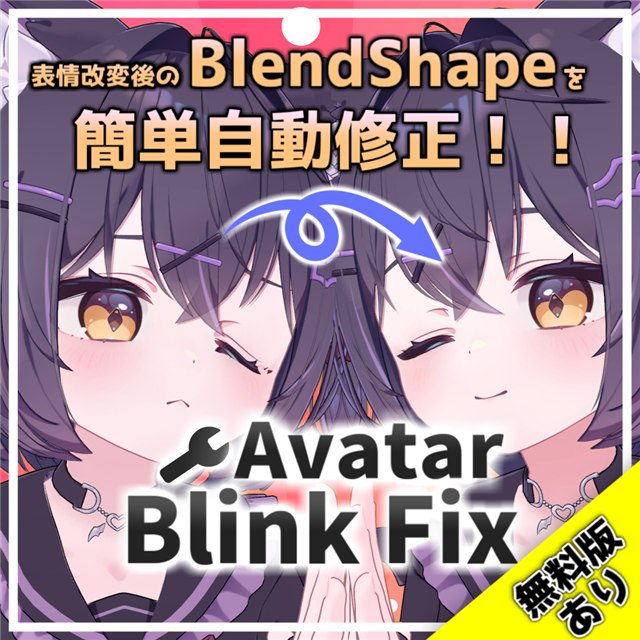
What is Avatar Blink Fix?
Editing an avatar's facial expressions can break its eye BlendShapes. In-game, the eyes may look crushed or may not close fully.
Avatar Blink Fix repairs the BlendShapes that cause these problems.
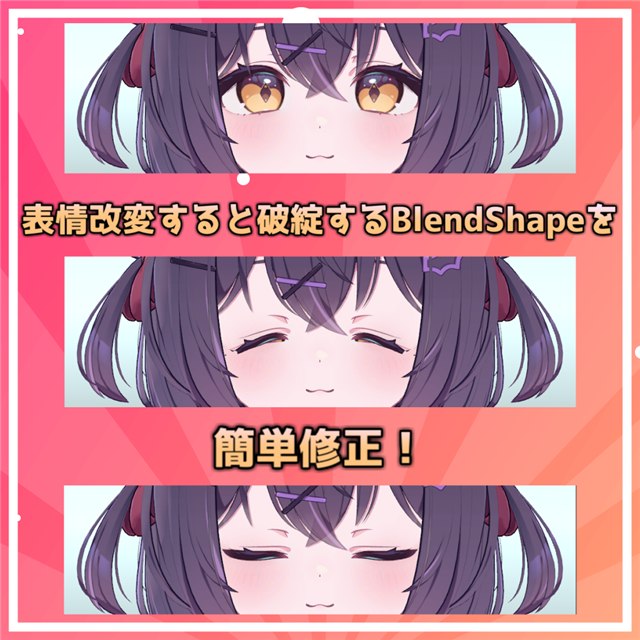
To fix an avatar, right-click the avatar you want to fix in the Hierarchy and choose "Avatar Blink Fix" → "自動修正(推奨)" (Auto Fix – Recommended).
Auto Fix presets support more than 100 avatars, so most supported avatars can be fixed right away. For an avatar without a preset, select the required items.
The Complete Edition can also fix BlendShapes for winks, MMD, and face tracking.
Auto Fix repairs BlendShapes
Auto Fix does not automatically edit or repair the values or movements in existing expression animations.
It repairs eye-closing BlendShapes.
Auto Fix (Bake Mode) may reduce breakage caused by animation conflicts. It does not resolve every case, and you may still need to adjust the animations.
Merging blinks into expression animations (a beta feature) is separate from Auto Fix.
If the fix does not work or you are unsure what to do, see the FAQ.
Try it for free
The free edition can repair one regular blink BlendShape, such as vrc.blink.
The Complete Edition can repair all the eye-closing BlendShapes you need for regular blinks, winks, MMD, and face tracking.
VPM repository support (new in 3.0)
You can easily install the latest Avatar Blink Fix and Auto Fix presets together through VCC / ALCOM.

Coming from 2.x?
If you already purchased the Complete Edition, you can use 3.0 at no extra cost.
How to use
After installation, right-click your avatar in the Hierarchy and choose "Avatar Blink Fix" → "自動修正(推奨)" (Auto Fix – Recommended).
① Right-click your avatar in the Hierarchy.
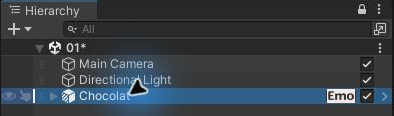
② Choose [Avatar Blink Fix] → [自動修正(推奨)] (Auto Fix – Recommended).
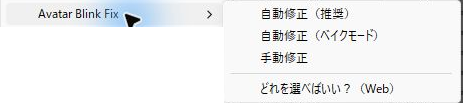
If something doesn't work, or you want finer control:
- Auto Fix (Bake Mode) … when expression animations conflict with the fix. May reduce animation-caused breakage
- Manual Fix … for avatars without an Auto Fix preset
- Mesh Swap (Legacy) … the classic 2.x-style workflow